Casey Mac Vintage Photo Presets
1/16/2013
- Two new filters have been added in all software – Photoshop, Lightroom (3 and 4), and Aperture. If you purchased previously, contact me with your order number and I’ll send you the update for free.
- Minor bug changes made to the Photoshop actions.
- Fixes for color casts in Lightroom 3 and 4.
THE PRESETS ARE BACK
My apologies for the temporary delay in offering these presets, but they’re now back, compliant with all requests, and available for just $5.
They’re still exactly the same as before, but all names and references to a popular photo sharing app are removed. Just to make some things clear right off the bat, I did not steal, borrow, or reverse-engineer any code of the photo app in question. These presets were created by me, using only my eyes for 3 photo editing applications: Lightroom (3 and 4), Photoshop, and Aperture. If you have any questions as to what you’re purchasing or why exactly I had to sell these presets in this manner, please contact me.
Download for Lightroom 3 Download for Photoshop
Download for Lightroom 4 Download for Aperture
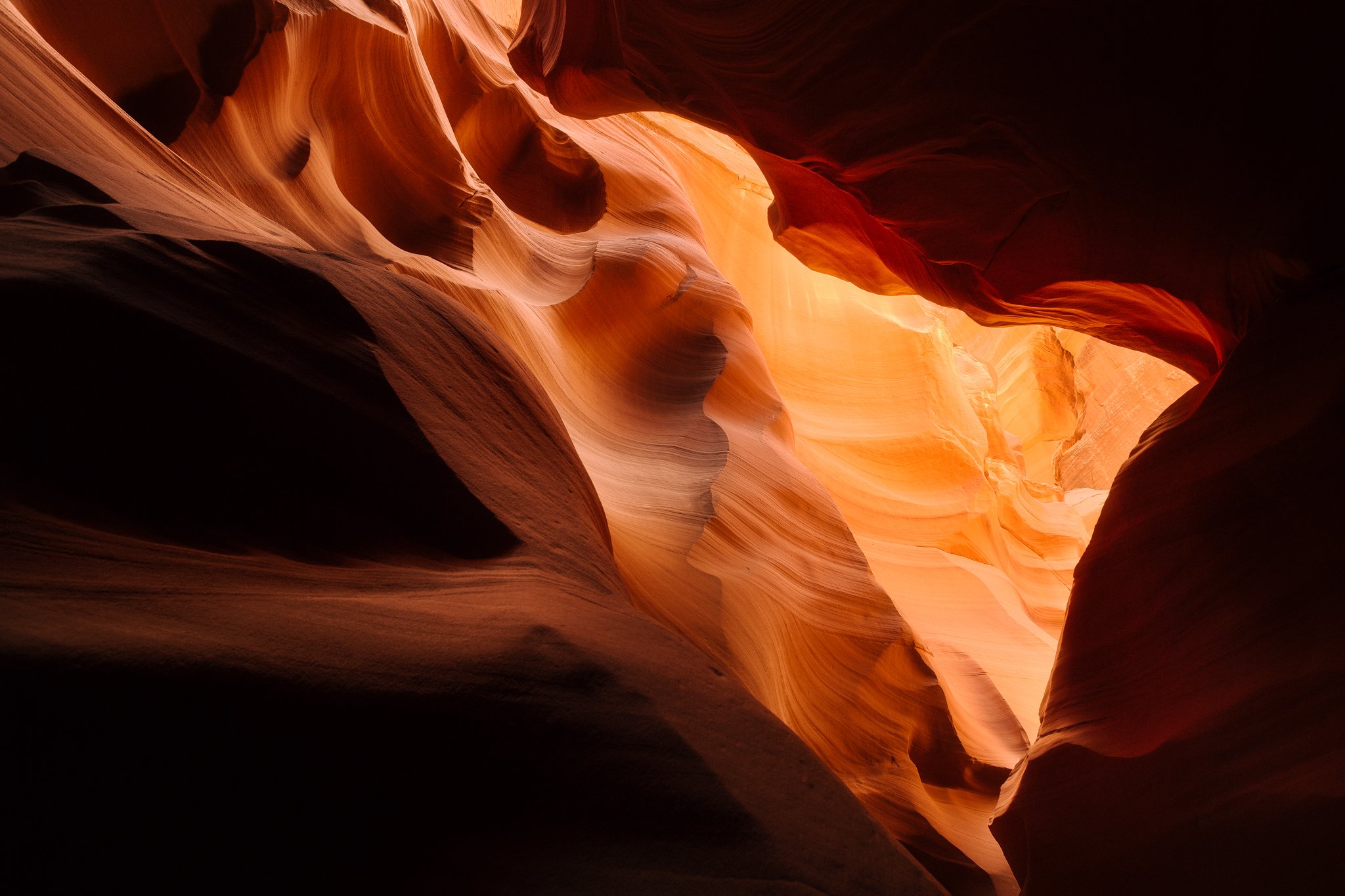
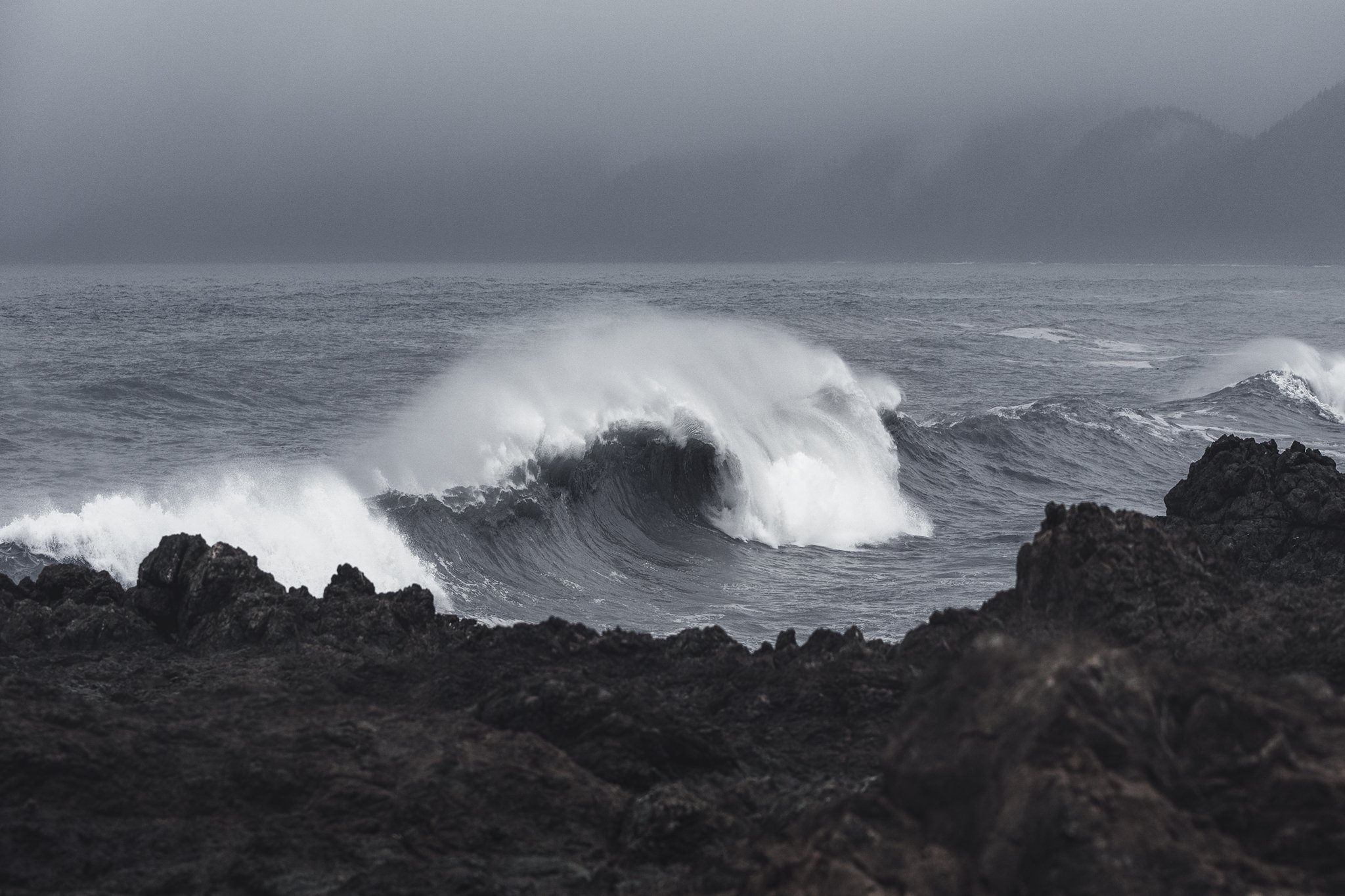
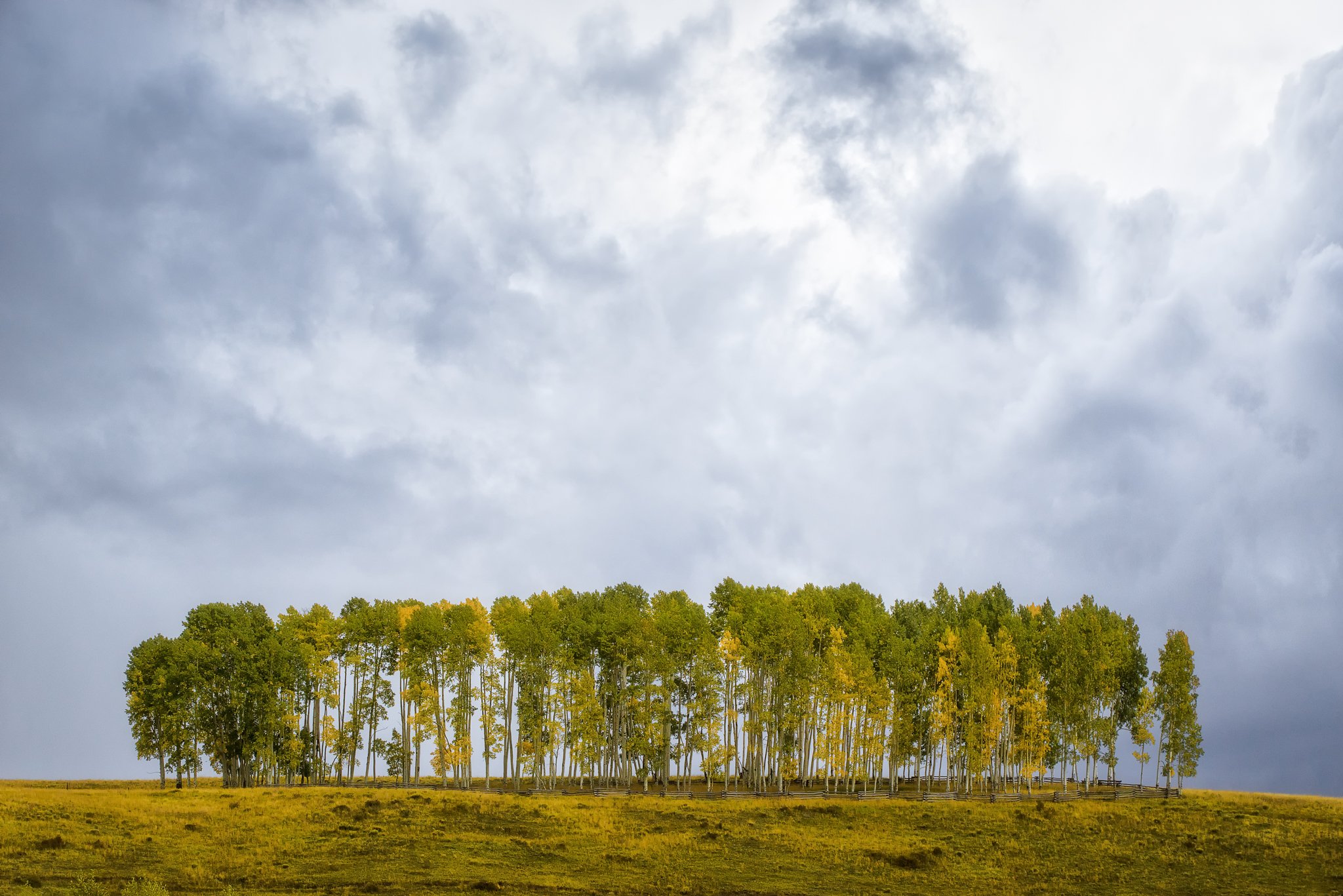
The result of all presets is shown below


FAQ
- No. I have worked hard to create these presets and purposefully priced them low to encourage people to buy them. I run a small business and the profits from these will go towards producing more wonderful photos from around the globe. I would be pleased by any potential customers you can send my way.
- Absolutely. Please use them for all your photography needs. I don’t require credit in any way.
- Yes, and I encourage it. Be creative. Stack these presets. Find something new that works and save it to use in the future.
- You will need the software associated with the download that you purchase and a photo to apply the filter to. That’s it.
- I’m working on tutorials on how to install for each piece of software. In the meantime, contact me, and I will personally help you walk through the installation.
- I’ve done my best to render these filters to work on every image. However, remember that these presets, as with all presets and actions, provide a good starting spot for editing your photos. After setting the initial preset, don’t be afraid to drag the sliders around to reach your desired effect.
- Yes, I will constantly evolve these filters. Any changes I make will be a free update for any users that have purchased the presets from me in the past. Contact me for a new download link or follow me on Twitter to stay notified of updates.
- Contact me, and I will be happy to consider using any suggestions in these presets.

Hi,
These look great!
Can you tell me if these filters are compatible with CS2?
Thanks
Ben
Ben, send me an email. casey at caseymacphoto dot com
are they CS3 compatible?
I haven’t tested in CS3, yet. Send me an email and I’ll forward you a copy. casey at caseymacphoto dot com
Will these presets work with photoshop elements 10?
They do not work in Photoshop Elements.
I have a suggestion, i think the vignette should be more circular, now is too “square” for me, i think a circular vignette will be more natural (more like in the app), by the way, you have done a great work! thank you for saving me hours of work investigating how to do this, 5$ totally worth it!
Thanks, Ismael! I’ll keep that in mind for version 2.0.
can i use it in my mac_lightroom4?
Yes, they work on a Mac with Lightroom 4.
thx,i’ll buy it.
Do these preset work with Lightroom 2?
No, they only work for Lightroom 3 or Lightroom 4.
I download and it dosnt work on PS6 and win 8 64bit, where to locate the atn file?
thx
benny
CS6 or version 6? It is compatible with CS6, but not version 6.
E-mail me. casey at caseymacphoto dot com
Hi Casey,
I sent you an email.
please replay, the action is not working!
Benny
I never received an email from you. Try the contact form on the contact page.
Hi! can I use it in my mac photoshop CS4/CS5?
Thanks
Yes, it works with both CS4 and CS5 on a Mac.
Is there a list that says which presets might resemble that of a certain popular photo app’s presets?
No list, but they’re in order left-right as they are in the app.
Perfect. Thank you.
I downloaded these presets, but the downloaded as HTML files and will not install into my lightroom 4, help.
thanks so much
Here is a good reference for how to install Lightroom presets:
http://digital-photography-school.com/how-to-download-and-install-lightroom-presets
Email me, casey at caseymacphoto dot come if you have any more questions.
Does this work for photoshop on a PC? Thanks!
Yes, it works for PC.
Will these filters work on Photoshop CS6?
Yes, they will work for CS6.
Hi Casey, great! Instangram is a great idea.
I bougth the application for photoshop but I have a PC and it doesn’t work, can you help me?
Thanks
They work for both Mac and PC. Send me an email. casey at caseymacphoto dot com
Hi. They works with Adobe Photoshop CS5 (italian) ??
It will work with CS5, though I haven’t tested an Italian version.
Hey, thanks for providing these at such an affordable price. Anyway, I’m trying to recreate the Instagram “Lux” effect in Aperture 3.3.2 any advice?
Hi, the Does this work for lightroom on a MAC?
Yes, they work on Mac and PC.
Do you accept moneybookers.com payment? Or my credit card?
I accept credit card through Paypal checkout.
I have photoshop 7.0 on a PC, just wanted to make sure it will work with my version of photoshop, thanks!
Yes, it will work with Photoshop 7.
I just purchased your presets for photoshop. Oct. 30, 2012. When I click on the highlighted area in the confirmed purchased email, it comes up on my photoshop with a box that says its not compatable with my photoshop. I have, CS5….If you could help me or walk me through what I need to do..I’m new to photoshop and just learning…Needless to say, I have been pulling my hair out….Thanks so much for any help you can give me…..Stacey
The presets are compatible with CS5. Send me an email: casey at caseymacphoto dot com and I’ll try to work through it with you.
Hi – have you tested in CS3 yet? Would love to give these a try…
Yes, they will work in CS3.
Do they work for PC?
Yes, Lightroom and Photoshop work with PC. There is no version of Aperture for PC.
Do these only work on square photos or can I get them in a 4×5 size?
They will work with all photo sizes, including 4×5.
This is really awesome. Thanks for putting together such a great set!
Did you figure out if these work for CS3 on Mac???
Yes, I’ve confirmed they will work with CS3.
Does it include the “lux” effect?
No. Since it’s not longer available in the app, I can’t replicate the effect accurately.
Isn’t the “Lux” effect the sun icon on the app? I too am looking for this to apply in photoshop.
Can I download this for Lightroom 3.6 on my PC?
Yes, make sure to download the Lightroom 3 version.
Hi,
which one is the original photo to compare the results?
http://sphotos-f.ak.fbcdn.net/hphotos-ak-ash4/460483_10100889398106028_978558081_o.jpg
Amazatron! Thanks!
so true…
Hi; I bought the presets for lightroom a while a go: do I have to pay again if I want to use them for aperture?
Thomas, send me an email
casey at caseymacphoto dot com
and I’ll forward you the Aperture version
Hey Casey,
I have a few photos on photoshop (like a collage). Is there a way to apply the action to one layer in CS5? I’m sure this is a basic question.
Thanks,
Caitlin
Caitlin, you can apply the action having just one photo layer below and the rest above the applied layers. Then move a new photo layer to the top and repeat. If you have any further questions, email me: casey at caseymacphoto dot com. Thanks!
Hello Casey, this presets works in RAW files??? or just JPEG files???
thanks.
Hi Andrey, they work with both RAW and JPG.
How often do you update these presets??
As often as the app adds new filters. One is currently in the works for release soon.
Dear Casey, I make it the payment via paypal, but WASN’T to sent any link to download the presets. Can you send it to me by e-mail the links????
thanks,
Andrey
All download links are sent to the address you used to check out with Paypal, in your case rannemiranda@live.com. If you don’t receive your download link within an hour, email me casey at caseymacphoto dot com and I’ll forward you your link.
How can i get the enhancement filter(sun icon) on photo shop?thanks
To replicate the clarity button in Photoshop, choose the Unsharp Mask option with a high radius and low amount.
Is there a way to replicated the clarity button in Lightroom?
Hey, I’d love to use these, but am only running Lightroom 2. No budget to upgrade. Any way these would work on those… you only have 3 and 4 listed.
Thanks!
Unfortunately I only have versions for 3 and 4.
HI THERE CASEY,
THANKS SO MUCH FOR THE AWESOME PRESETS. TOOK ME A LITTLE TIME TO FIGURE OUT HOW TO USE THEM WITH PHOTOSHOP BUT INSTALLED THEM AT THE END.
I HAVE A LITTLE QUESTION, WHENEVER I RUN A PRESET, THE VIGNETTE DOESN’T REALLY SHOW UP, IT’S MORE LIKE A LIGHT GREY, NOT A DARK COLOUR LIKE YOUR PHOTOS ABOVE.
ANY POINTERS?
THANKS!
MELISSA
P.S. excuse the caps lock, I thought the comment tool was set to caps lock, not realising my caps lock was on!
Thanks, Melissa! Email me: casey at caseymacphoto dot com and we can work through it.
Thanks very much, picked up link to here from G+
how do i install the presets for aperture
The easiest way is to drag the downloaded file onto the Aperture application icon.
I’m totally late to the game on this, but oh my god. Thank you. One of the biggest deterrents for me not sharing my photos is my laziness when it comes to post-production editing. You made me want to take photos again! Haha.
My pleasure! Glad you enjoy them.
Hi I love the ‘popular iPhone photo app’ presets for Lightroom. Just wondered if you had any tips on how to reproduce the ‘Lux’ button (in the iPhone app that looks like a sun icon with a half circle), it seems to lift the blacks and boost the mid tone contrast but I can’t seem to reproduce the effect.